Server Logs
Use View Server Logs from the instance action menu to fetch remote service logs. Server logs are exported from the systemd journal into a rotating file on the host, so older activity stays available as archives instead of aging out of the journal.
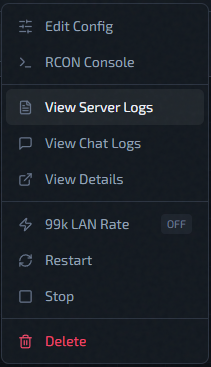
File Selection
The source picker next to Refresh shows a LIVE or ARCHIVED badge for the selected file:
- Current — the live, still-growing log
- Archives — grouped by month, newest first (for example "Jul 29", with "Jul 29 (2)" if the log rotated more than once that day)
Selecting a different file reloads it immediately using the active filter.
Filters in UI
Filter modes
- Last N Lines
- Time Range — only available for the current (live) log; archived files hide this option, since a rotated file has no journald time range to query
- All
For Current, Last N Lines and Time Range query the live systemd journal, while All reads the complete current rotating file. For an archive, Last N Lines and All read the selected archive file.
Line presets
100, 250, 500, 1000, 2500
Time presets
15 min, 30 min, 1 hour, 3 hours, 12 hours, 24 hours
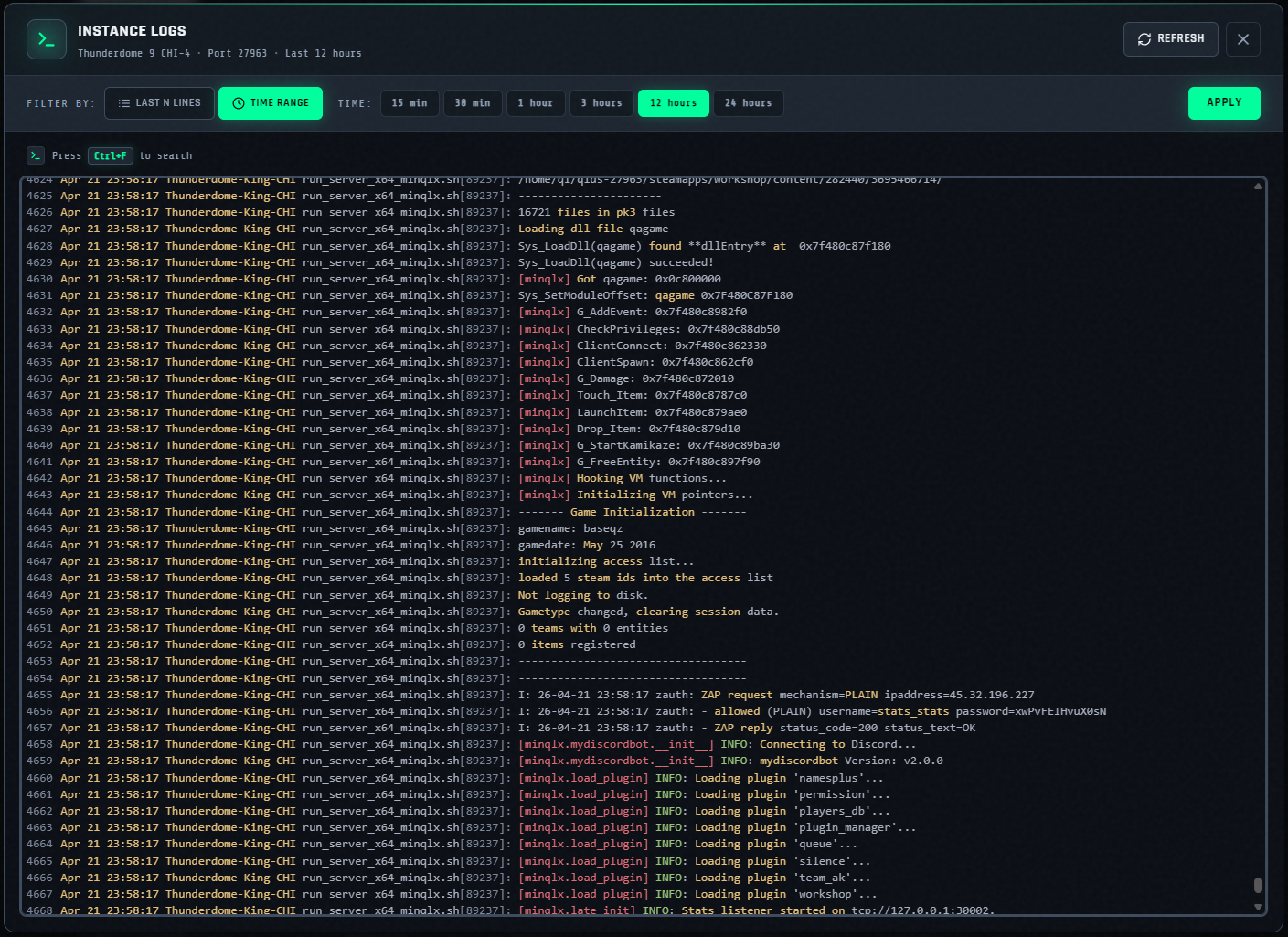
Viewer Behavior
- Logs are displayed in a read-only CodeMirror panel.
- After load, scroll auto-jumps to bottom.
- Use
Ctrl+Finside editor for search. RefreshandApplytrigger a new fetch.