Chat Logs
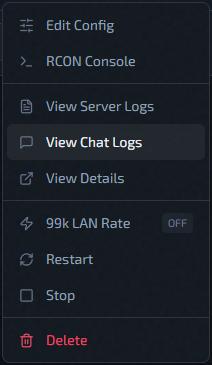
Use View Chat Logs from the instance action menu to read chat.log and rotated chat archives.
File Selection
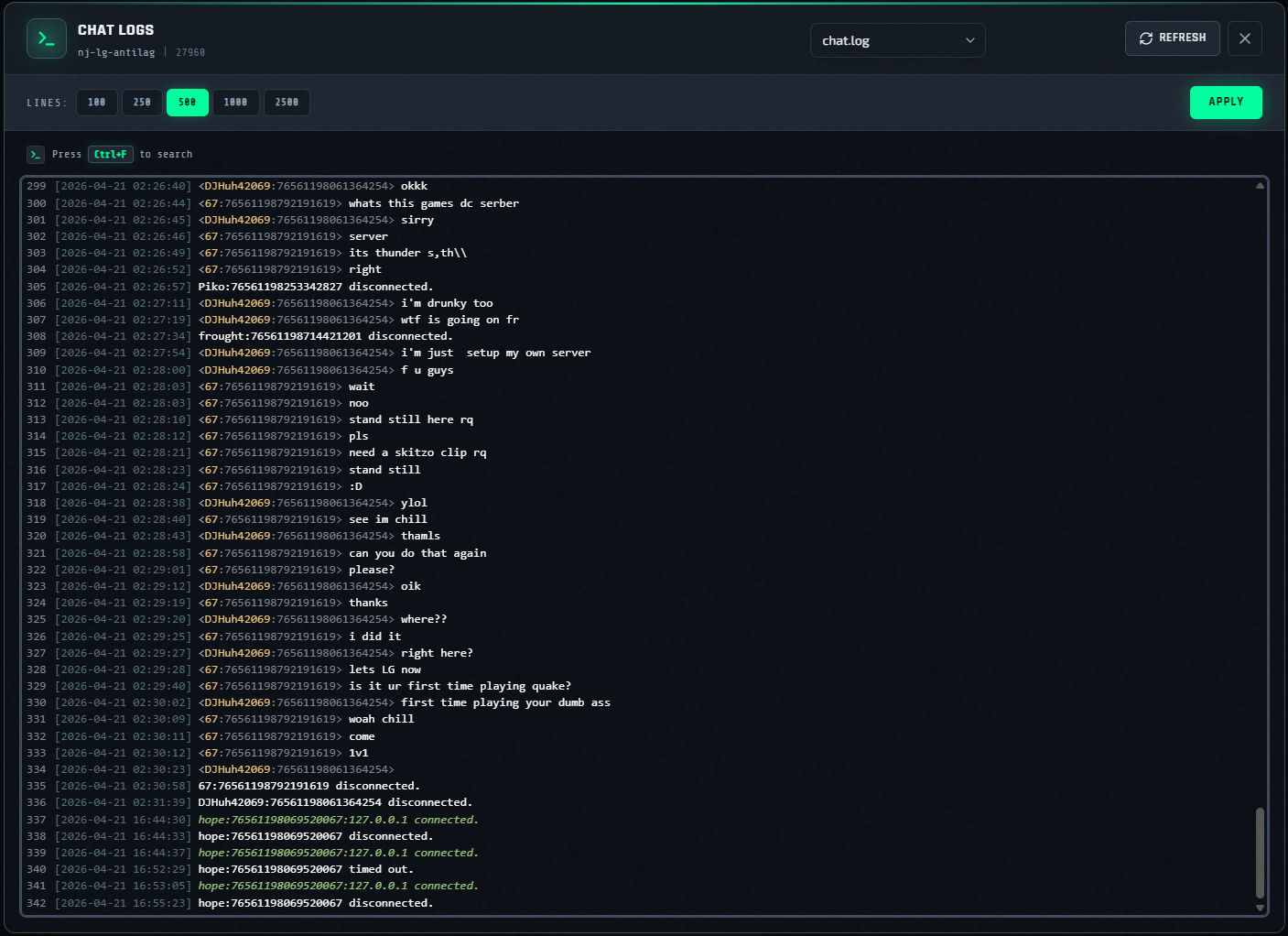
The modal loads available files and keeps valid names only:
chat.logchat.log.<number>(for examplechat.log.1)
Sorting behavior:
chat.logfirst- then numeric archives in ascending order (
.1,.2, ...)
The UI keeps at most 11 entries (current file + 10 archives).
Filtering
Choose a filter mode:
- Last N Lines — presets
100,250,500,1000,2500 - Time Range — presets
15 min,30 min,1 hour,3 hours,12 hours,24 hours - All — the entire selected file
After changing the filter mode or its value, select Apply to fetch the selected file with that filter.
Viewer Behavior
- Read-only CodeMirror display
- Auto-scroll to bottom after load
Ctrl+Fto search in-place- Selecting a different archive file reloads it immediately using the active filter
- Refresh re-fetches the selected file without changing the active filter
- Apply re-fetches the selected file using the currently selected filter controls