Configure Auto-Restart
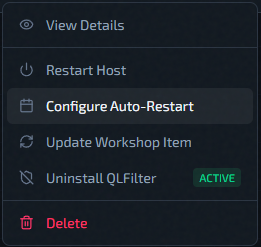
Open from Servers -> host row Actions -> Configure Auto-Restart.
Why It Is Needed
Scheduled restarts serve two purposes:
1. Workshop updates. Running servers do not automatically pull Steam Workshop updates while they stay online. A restart is the only way to load updated Workshop content. QLSM auto-restarts also trigger a full Workshop update pull across all instances on that host — so once a Workshop item owner publishes an update, your servers will pick it up on the next scheduled restart without any manual intervention.
2. General maintenance. Long-running game server processes can accumulate state. A scheduled daily or weekly restart gives a clean slate.
Instances you've manually stopped are skipped — auto-restart does not bring a stopped instance back online.
Schedule Modes
- Disabled: no scheduled restart.
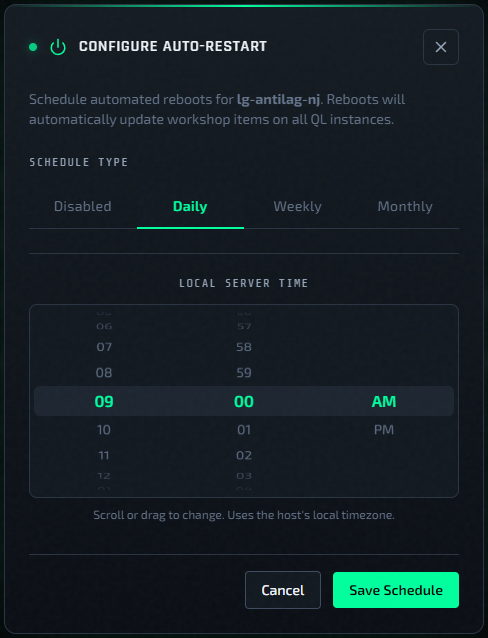
- Daily: every day at selected time.
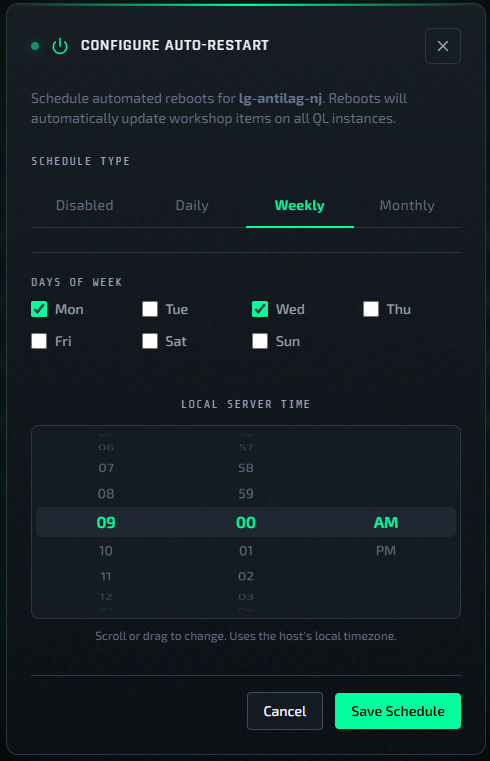
- Weekly: selected weekdays at selected time.
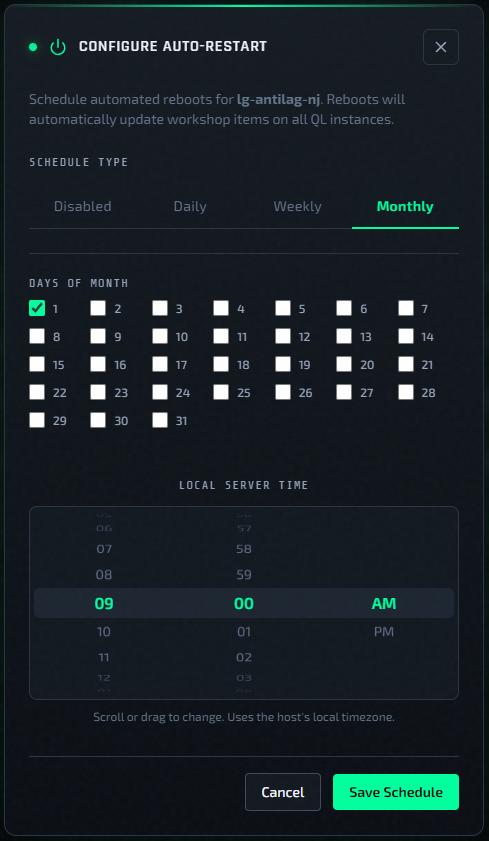
- Monthly: selected month days at selected time.
Timezone Rule
Schedule time is evaluated in the host local timezone.
- Standalone and QLSM (self): timezone is the value selected when the host was added.
- Vultr Cloud: timezone is tied to selected
Region.
If timezone is wrong, restart happens at the wrong local time.
Verification
- Confirm host timezone in host details.
- Reopen the auto-restart modal and confirm mode/time.
- After first schedule window, verify instances came back healthy.
- For an instance previously marked Updated, verify that it returns to Running, its service unit is active, and the new service invocation publishes a live-status payload after startup.
QLSM may take roughly 45 seconds in the worst case to show the confirmed status (up to 15 seconds for the backend poll plus 30 seconds for the settled frontend refresh). If a runtime probe fails, QLSM retries without changing the status; an instance that was already Stopped remains stopped.